
About Kelly May Sheehan
Kelly May is a Consultant on the Design team.
This site uses cookies to enhance your browsing experience and deliver personalized content. By continuing to use this site, you consent to our use of cookies.
COOKIE POLICY
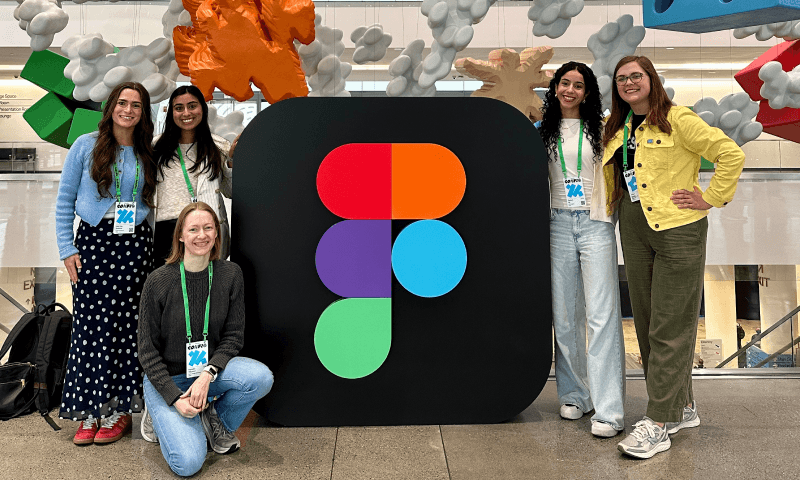
On Day 1 of Config 2026, Chelsea Larsson from Anthropic said it clearly: language is design. If you’ve worked with AI tools, you’ve already felt this to be true. So as designers, how do we adapt?
At Figma’s annual design conference, every session told a version of the same story. Figma Motion arrived to close a gap most designers had quietly accepted. Before it, showing animation meant annotations explaining transitions you hoped developers would interpret correctly, Lottie files borrowed from elsewhere, or a detour into Framer just to demonstrate what an interaction should feel like. When animation did make it into designs, it was kept simple: basic fades and slides, not because that was the vision, but because Figma’s own limitations made anything more ambitious nearly impossible to show. More often, it was left out entirely.
Features got shipped unanimated because showing motion was just too hard. Now motion lives where the design does. Figma Weave brought AI-powered visual workflows directly to the canvas, eliminating the need for external tools. Code Layers connected designs to production code without ever leaving Figma. Shader effects (the kind of mesh gradients and visual controls designers once reserved for Illustrator) are now available on-canvas. Agents live where the work lives, not in a separate chat window.
Taken one at a time, these look like feature releases. Taken together, they’re a platform thesis: Figma is becoming the creative OS. One interface for design, animation, AI, code, and collaboration: no switching cost, no lost context. The value isn’t any single capability. It’s the breadth.
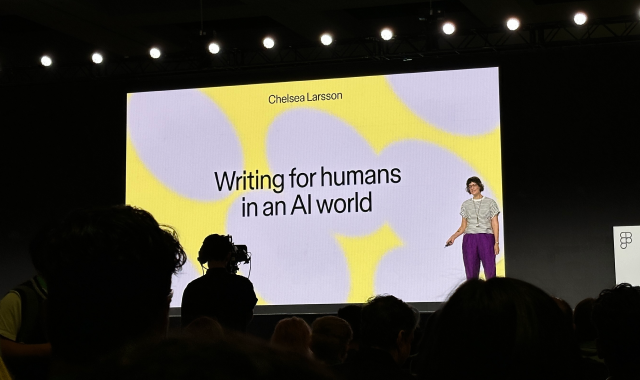
Which brings us back to language.
When all your creative work lives in one place, the limiting factor isn’t the tool. It’s the clarity of what you bring to it. The Anthropic team made this explicit: language is now a primary design medium. Not just UX copy or microcopy. The prompts, comments, briefs, and instructions that set AI tools in motion. The words you use to describe what you want are shaping what gets made.
There’s a design philosophy embedded in this, too. Anthropic deliberately built their AI UI to be less hand-holdy than you might expect, because users who wait to be guided will always lag behind users who show up with intent. Figma’s agents follow the same logic. They’re placed where designers need them, but they act on what you give them. Write a vague comment, and you’ll get a vague result. Write a precise instruction, and the agent executes it directly. The interface isn’t holding your hand. It’s waiting for you to lead.
The skill gap opening up in design isn’t technical. It’s linguistic and strategic. Teams that learn to write well (prompts, comments, briefs, workflow logic) will move faster and produce more consistent work. The blank canvas isn’t the starting point anymore. A well-configured machine — one loaded with the right constraints, variables, and intent — is.
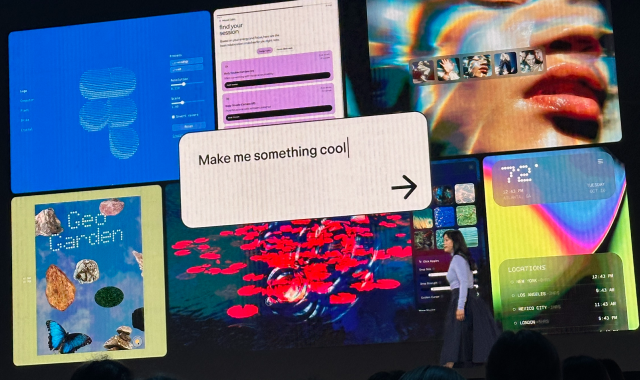
When a comment is specific and direct, a Figma agent can act on it, making the change to the tagged frame without a designer touching it. That compresses the review-to-revision cycle in a meaningful way. It also requires something from us: writing with more precision and intent than before. That’s a discipline worth building.
Figma agents can now be directed to make updates across different frames, different stages of a user flow, or different parts of the same screen, all at once. For a design team, that’s real delegation: hand off the repetitive implementation work, stay focused on the decisions that require judgment. It changes what a design session looks like.
UDig does the same categories of work repeatedly across engagements — UI component variations, web app designs, user flows, error states, requirements mapping. Each engagement brings different variables: a different brand, different users, a different set of constraints. But the underlying structure is often the same.
Figma Weave lets us separate those two layers. We build the workflow once (the structure, the visual logic, the rules) and treat client-specific details as inputs we swap in. A component library doesn’t get rebuilt from scratch. A user flow pattern doesn’t start from a blank canvas. We pull the machine off the shelf, set the variables, and get consistent, on-brand output fast. What we’re really building is design production infrastructure that encodes our methodology, so the team spends less time on setup and more time on the work that actually requires design thinking.
AI doesn’t replace design thinking. It amplifies it, but only when you bring clarity, precision, and a point of view to the work.
Config 2026 didn’t hand us a roadmap. It handed us a lens. Conference over. Work begins.
Kelly May is a Consultant on the Design team.